
How to Search Ionia County Court Records
Ionia County does not run its own case database. Instead, the county routes the public into MiCOURT, the statewide case-search system that covers circuit, district, and probate matters. The search is court-specific, so you pick a court first, accept a short terms page, then look up a case by number or party name. The 8th Circuit Court search path handles felonies, larger civil disputes, and domestic relations files. The 64-A District Court search path holds traffic, misdemeanors, small claims, and felony arraignments.
Timing questions often have a faster answer than a full file. The circuit court calendar and the district court hearing schedule show upcoming hearing dates and courtrooms without a case lookup. Those same schedules feed the county's Ionia County court dockets, which is the better tool when the next hearing is all you need.
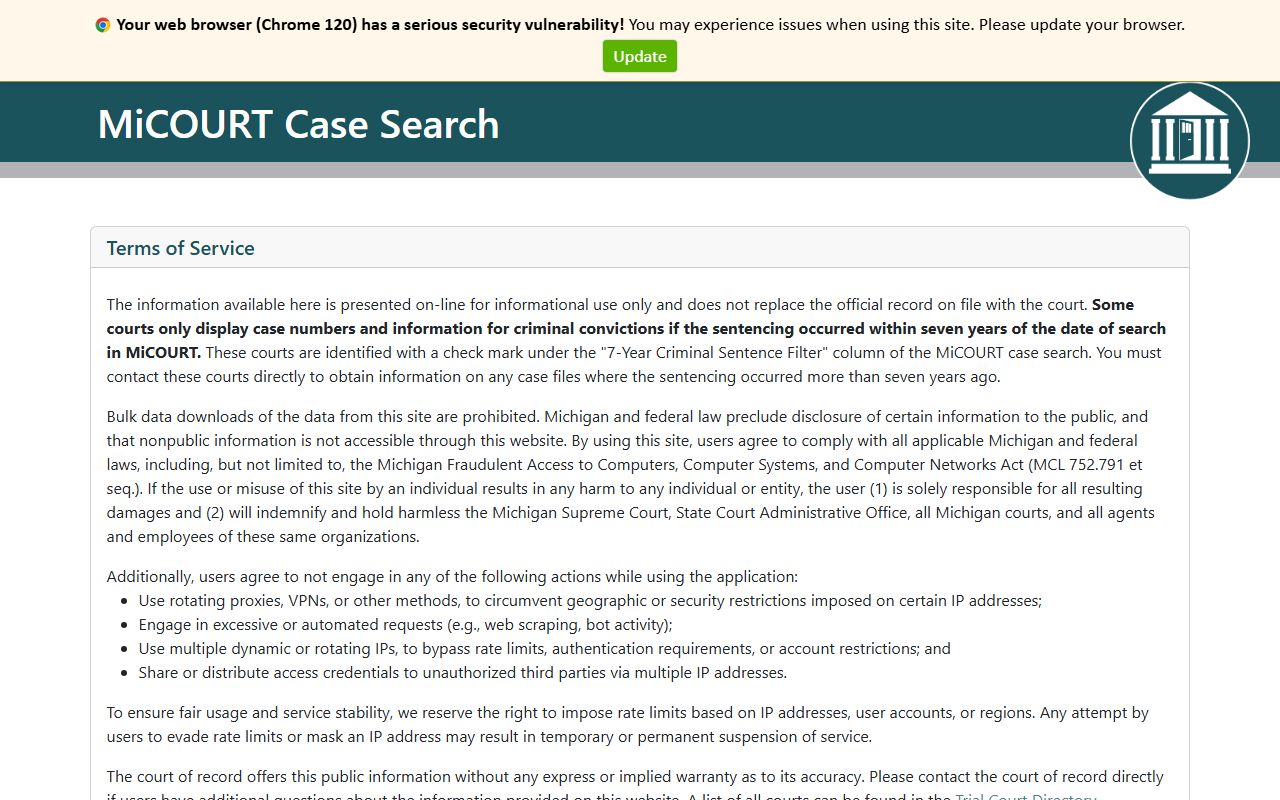
The MiCOURT public search opens through the county courts hub. A quick look at the portal shows the layout before you start.
The statewide entry point sits on the Michigan MiCOURT case-search page, which gates the public into the record set for each trial court. This screenshot shows the search environment that Ionia County residents land in for circuit, district, and probate lookups.
Before you start, gather a few basics. A case number returns the cleanest result, but a full name works when the number is unknown. Knowing the court and rough year narrows a wide list. These steps walk through a typical Ionia County court records search.
- Open the Ionia County courts page or the MiCOURT terms screen and accept the access terms.
- Choose the correct court, since circuit, district, and probate files are searched separately.
- Enter a case number, or search by first and last name if the number is unknown.
- Apply filters such as case year, case type, or case status when the result set is too broad.
- Check the court calendar pages if you only need the next hearing date rather than the full file.
Ionia County Court Records Search Fields
The MiCOURT search layer exposes far more than a name box. Its documented field set lets you narrow a search by court metadata, dates, and financial data, which is useful when a common name returns dozens of matches. Most fields are optional, and you can combine several at once. The table below lists the main fields the public case search accepts.
| Field Label | Type | Required | Notes / Format |
|---|---|---|---|
| Case Number | Text | No | Matches any case number containing the value entered. |
| First Name | Text | No | Searches participant names beginning with the value. |
| Last Name | Text | No | Searches participant names beginning with the value. |
| Case Type Category | Dropdown | No | Civil, criminal, domestic, juvenile, non-traffic, probate, traffic, and more. |
| Case Year | Text | No | Calendar year of the filing. |
| Case Status | Dropdown | No | Open, closed, disposed, deferred, mediation, or ADR. |
| Case Public Status | Dropdown | No | Public or suppressed. |
| Judge | Text | No | Judge professional number. |
| DOB | Date | No | Date of birth in year-month-day format. |
| Offense Date From / To | Date | No | Date range for the underlying offense. |
| Disposition Date From / To | Date | No | Date range for the case outcome. |
| DLN | Text | No | Driver license number, paired with issuing state. |
Note: Public MiCOURT results are capped per query and some access tiers return only a partial list, so a missing case does not always mean no record exists.
Types of Ionia County Court Records
The county's court-record system spans several overlapping families. Criminal cases begin at the 64-A District Court, where all criminal matters prosecuted in the county are filed. District court carries misdemeanors from arraignment through sentencing and felonies through preliminary examination. The 8th Circuit Court then receives felony cases, larger civil disputes, domestic relations files, and appeals from the lower courts.
Traffic cases, small claims, and civil infractions are district court records too. Probate court keeps a separate set that reaches into estates and family matters, including some records most counties never mention. The list below groups the record types you can look up locally.
- Criminal case files and the charges tied to them.
- Docket entries, hearing schedules, and court calendars.
- Traffic citations, civil infractions, and fine records.
- Estates, guardianships, conservatorships, and name changes in probate.
- Circuit court filings and copies handled through the County Clerk.
Vital records sit next to court files but are not the same thing. Birth, death, marriage, and divorce copies come from the clerk as vital records rather than judicial case files, and marriage records in the county run from 1837 to the present. That distinction matters when you decide whether MiCOURT or the clerk's counter is the right starting point.
What Ionia County Court Records Show
A public case in MiCOURT is more than a name and a number. The system returns core metadata for each matter and can expand to charge-level detail, hearing data, and the people attached to the file. The exact mix depends on the court and the case type, and suppressed fields drop out of public view. The table below maps the fields a typical Ionia County court record can reveal.
| Field | What It Shows |
|---|---|
| Case Number | The unique identifier assigned when the case is filed. |
| Filing Date | When the case opened with the court. |
| Parties | The participants, such as the defendant, plaintiff, or petitioner. |
| Case Type | Whether the matter is criminal, civil, traffic, domestic, or probate. |
| Judge | The judge or magistrate assigned to hear the case. |
| Charges | The offense descriptions on criminal and traffic matters. |
| Next Hearing | Upcoming hearing date and courtroom when scheduled. |
| Disposition | The outcome and disposition date once the case closes. |
| Financial Obligations | Amounts due and amounts paid when those figures are public. |
Public Access Framework for Ionia County Court Records
Record access in Michigan runs on two separate tracks. County administrative records fall under the Michigan Freedom of Information Act, while court records answer to court rules rather than to FOIA. That split decides where a request should start. A sheriff report or a county file goes through the FOIA process. A case file goes through MiCOURT or the court that holds it.
The FOIA statutes set the county side of the line. A closer look at the governing law helps explain what counts as public.
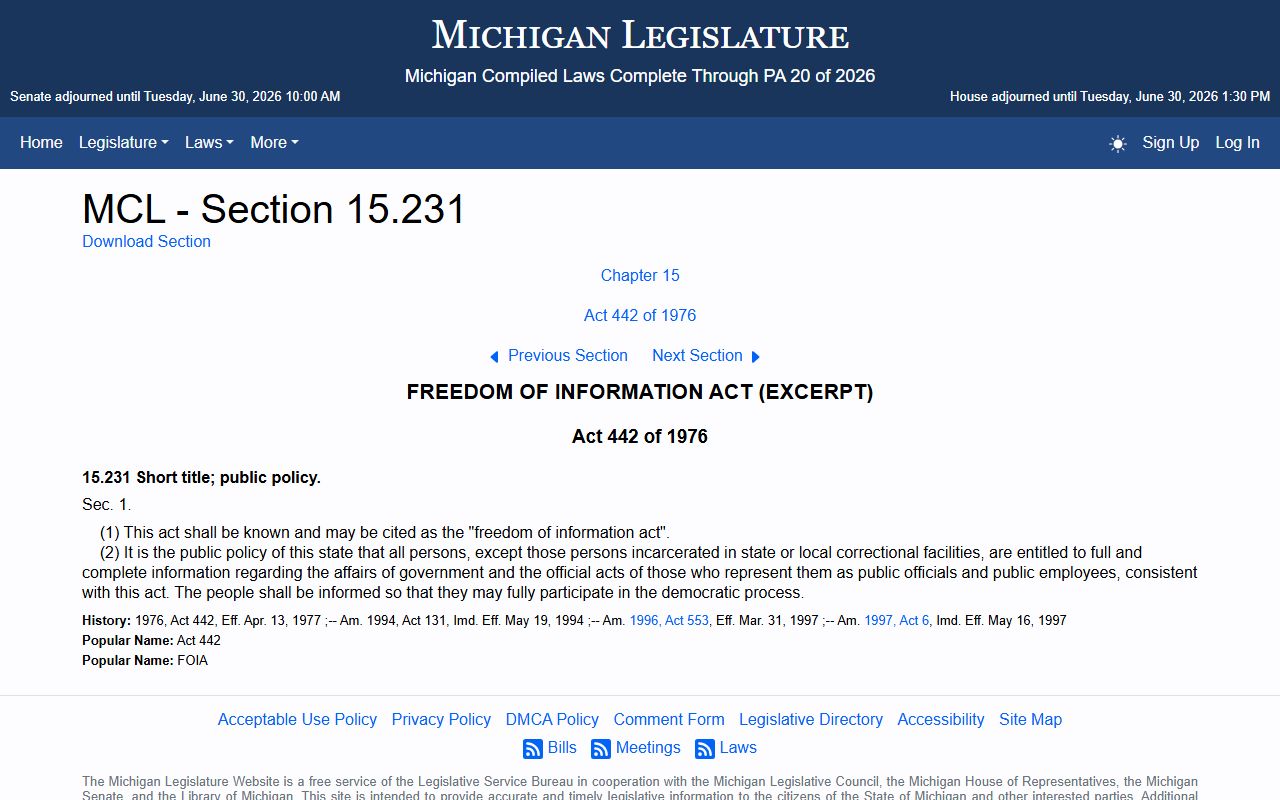
The framework begins with MCL 15.231 and the sections that follow it, which declare that people are entitled to full information about the affairs of government. This page opens the Michigan FOIA chapter that county offices apply when they answer records requests.
Court records follow a different rulebook. Under Michigan Court Rule 8.119, trial court case files are generally open to the public unless a rule or statute makes them confidential. FOIA exemptions in MCL 15.243 then carve out categories the public cannot demand, such as certain law-enforcement and personal-privacy material. MiCOURT reflects the same idea by marking each case public or suppressed.
Note: A court record marked public can still hide protected fields, and an open FOIA path does not guarantee that every document inside a file is releasable.
Records That Are Sealed or Confidential in Ionia County
Several record categories in the county are not fully public even when a basic index exists. Juvenile matters are the clearest example. They live inside the 8th Circuit Court family division, and MCL 712A.28 limits who may view juvenile files. The public search may suppress those cases or show only limited detail. Adoption, child protection, and mental health treatment matters heard in probate carry similar protection.
Other files are shielded by statute or court order. Set-aside and expungement law under MCL 780.621 removes qualifying criminal matters from public view, and divorce privacy rules in MCL 552.6a restrict some domestic relations content. Sealed and suppressed cases also drop out of MiCOURT results entirely.
When a record does not appear, treat it as unavailable in the public search rather than nonexistent. To view a restricted file, an interested party usually must petition the court that holds it and show a legal basis for access. The clerk and the presiding court decide those requests case by case under the governing rules.
Requesting Ionia County Court Records in Person
When the online search falls short, the County Clerk is the practical records counter for the courts. The office splits its work by channel. Circuit court record requests, court document requests, and case filings can move by mail or email, through an in-person or virtual appointment, or as a walk-in for certain filings. That flexibility means many court-related requests never require a trip downtown.
The clerk's office anchors the West Main Street courthouse complex and handles vital records alongside circuit court copies. Full office details make it easy to plan a visit or a mailed request.
Ionia County Clerk's Office
100 W. Main Street
Ionia, MI 48846
(616) 527-5322
Fax: (616) 527-8201
Mon-Fri 8:30 a.m. to 5:00 p.m.
Records that are not court files follow the county's public-records process instead. A police report, an accident report, or a general county file goes through the county FOIA route. The right to inspect and copy those records traces back to state law.
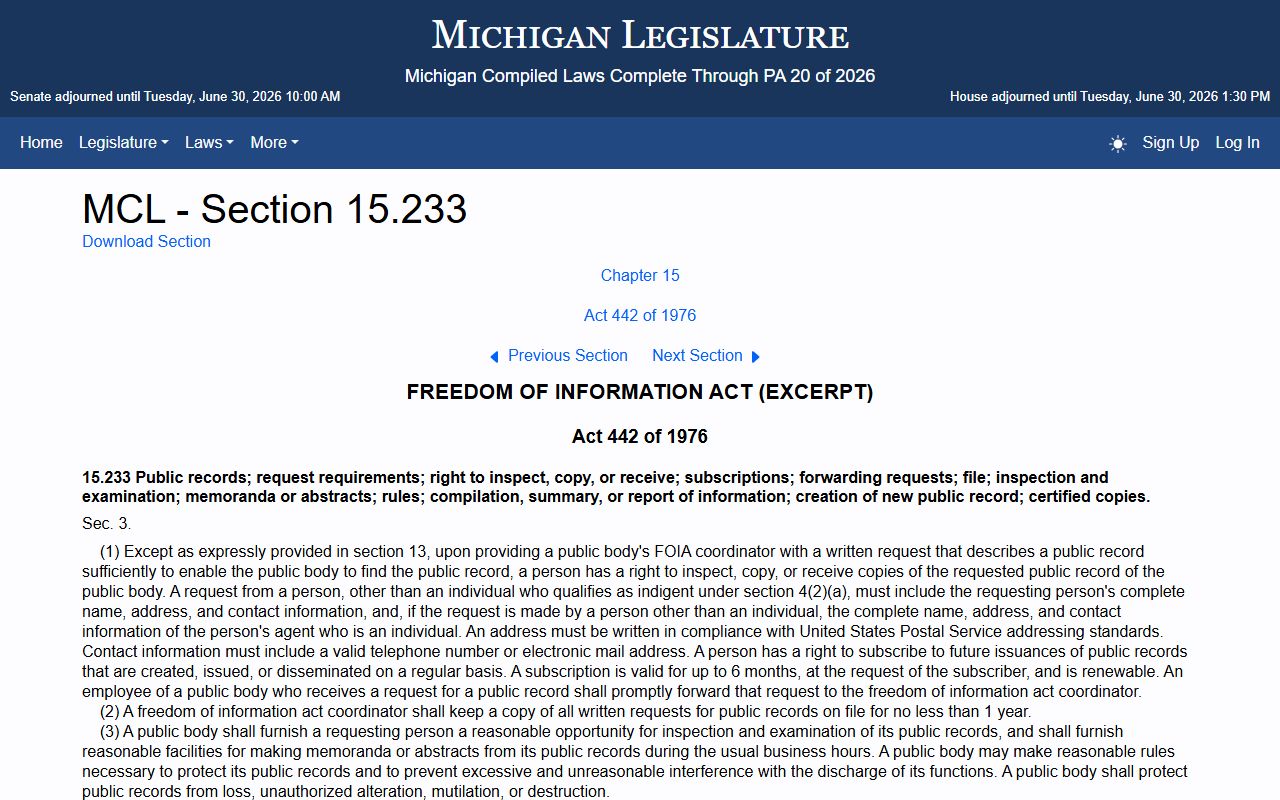
The public-records right rests on MCL 15.233, which gives any person the right to inspect and receive copies of a public body's records. This statute page anchors the county FOIA process for Ionia County records that sit outside the court case system.
The county publishes its request steps on the Ionia County FOIA page, which accepts requests by mail, fax, email, or hand delivery. For certified court copies and filing help, the clerk's counter remains the primary stop, and deeper detail on that office lives on the Ionia County Clerk of Court page.