
What Is a Court Docket in Ionia County
A docket is a court's official index of case activity. Each line, called a docket entry, records one event and the date it happened. Filings, motions, hearings, orders, and payments all show up as separate entries. Read top to bottom, the docket tells the story of a case without reproducing the paperwork itself. It is a map, not the full file.
In Ionia County the docket you see depends on the court that owns the case. The 8th Circuit Court keeps dockets for felonies, larger civil suits, divorce and family matters, and appeals from the lower courts. The 64-A District Court keeps dockets for traffic tickets, misdemeanors, small claims, and the early stages of felony cases. Probate Court runs its own dockets for estates, guardianships, conservatorships, and name changes. Because these dockets sit in different court files, a single name search can return several unrelated cases across more than one court.
A few terms come up on almost every Ionia County docket.
- Docket entry
- One dated line recording a single event in the case.
- Party
- A person or business named in the case, such as a plaintiff or defendant.
- Disposition
- The outcome once the matter is decided, dismissed, or closed.
- Next hearing
- The date and setting of the upcoming court event.
How to Search Ionia County Court Dockets Online
Ionia County routes the public into MiCOURT, Michigan's statewide case search, instead of a county-owned docket browser. The county courts page simply links out to MiCOURT for circuit, district, and probate lookups. The search is court-specific, so a user picks the court first, clears a short terms page, and then searches by case number or party name.
- Open the MiCOURT public case search and accept the terms notice that loads before any results appear.
- Choose the right Ionia County court: the 8th Circuit Court, the 64-A District Court, or Probate Court.
- Enter a case number for a direct hit, or a first and last name to pull a party's cases.
- Narrow a wide result set with filters such as case year, case type, or a file-date range.
- Open a case to read its docket entries and check for any scheduled next hearing.
Felony and civil dockets open through the 8th Circuit Court case-search path on MiCOURT, which lands directly on the county's general-jurisdiction court.
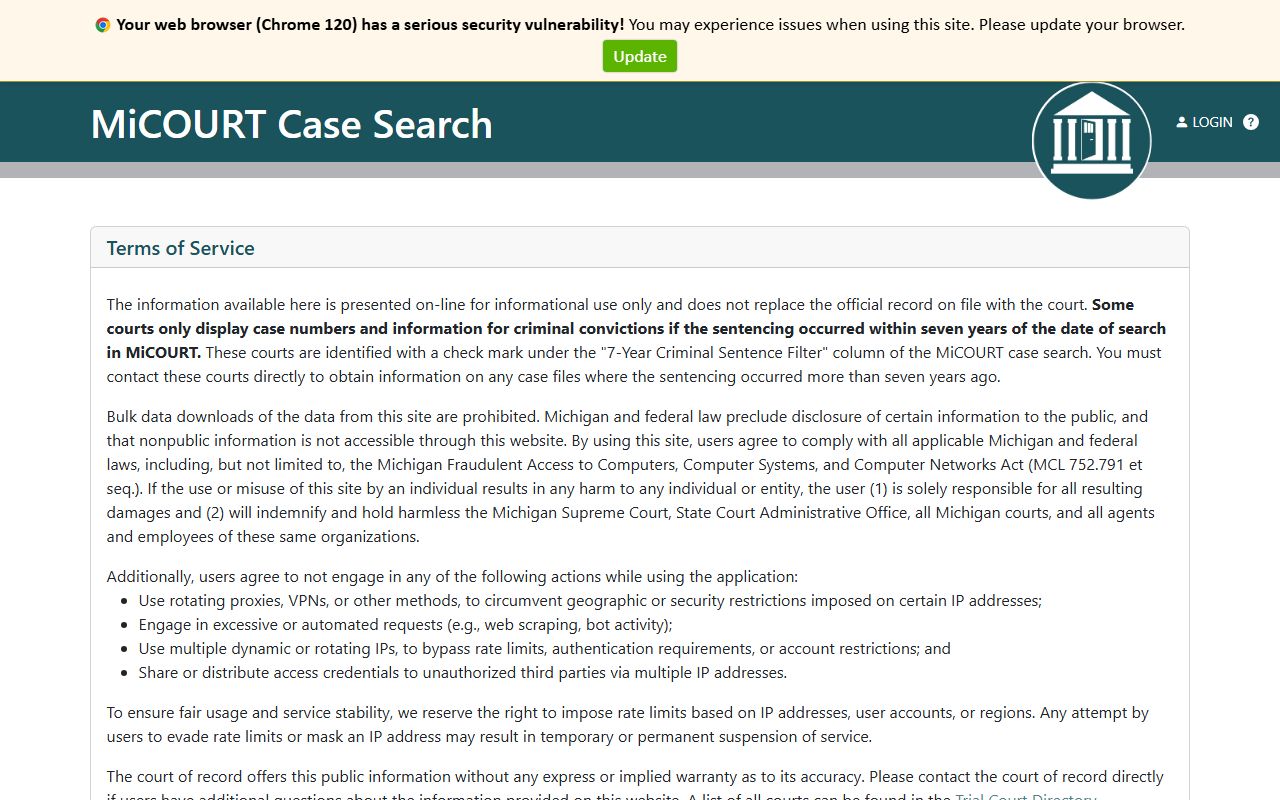
That view lets a searcher jump straight into circuit dockets without working through the full statewide court menu. Note: MiCOURT case search is statewide and court-specific, so a matter has to belong to the circuit, district, or probate court before the right docket will appear.
Sample Ionia County Docket Entry
Each docket entry pairs a date with a short description of what the court did. The public case record wraps those entries together with the case metadata that identifies the file. The table below lists the core fields a searcher sees when opening an Ionia County docket and what each one shows.
| Field | What It Shows |
|---|---|
| Case Number | The unique file number that identifies the case within its court. |
| Entry Date | The date the event was logged on the docket. |
| Case Type | The category, such as criminal, civil, traffic, domestic, or probate. |
| Event or Entry | The action recorded, like a motion, hearing, plea, or order. |
| Participants | The parties, attorneys, and other people tied to the case. |
| Judge | The judge or magistrate assigned to the matter. |
| Next Hearing | The date and setting of the upcoming court event. |
| Disposition | The result once the case is decided or closed. |
These public fields trace back to the MiCOURT case-search reference, which documents what the search layer returns to a query.
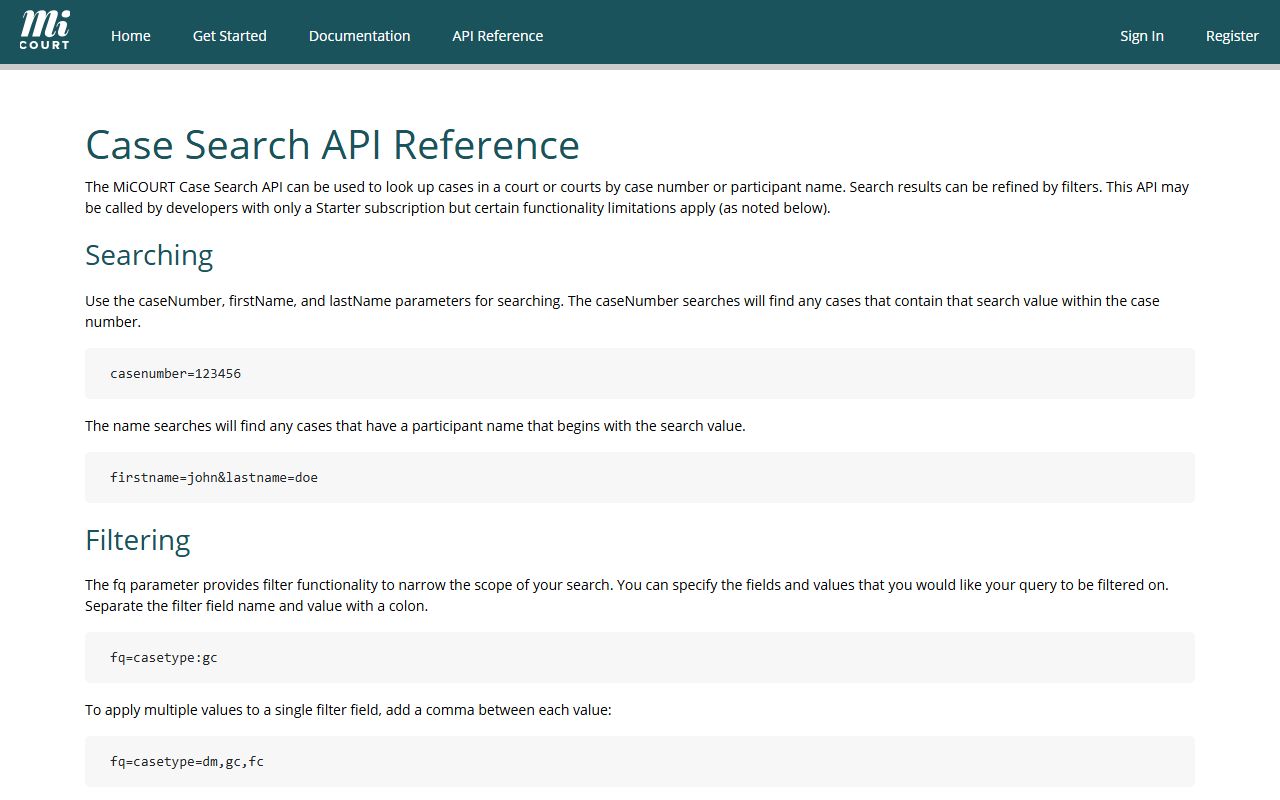
The reference also shows optional expansions for charges, participants, petitions, and the next hearing, so a docket can carry charge-level and scheduling detail rather than a bare file number.
Courts That Publish Ionia County Dockets
Three trial courts generate the dockets a resident is most likely to search, and all three feed into MiCOURT. Each court holds a different slice of the caseload, so the docket a person needs depends on the type of matter. The list below matches each Ionia County court to the cases it tracks.
- 8th Circuit Court: felonies, civil suits over the district limit, divorce and family cases, and appeals from lower courts.
- 64-A District Court: traffic tickets, misdemeanors, small claims, and felony arraignments through preliminary examination.
- Probate Court: estates, trusts, guardianships, conservatorships, mental health matters, and name changes.
The 64-A District Court is the busiest first stop, since every criminal case prosecuted in the county is filed there before some move up to circuit court. Its docket opens through the 64-A District Court case-search path on MiCOURT.
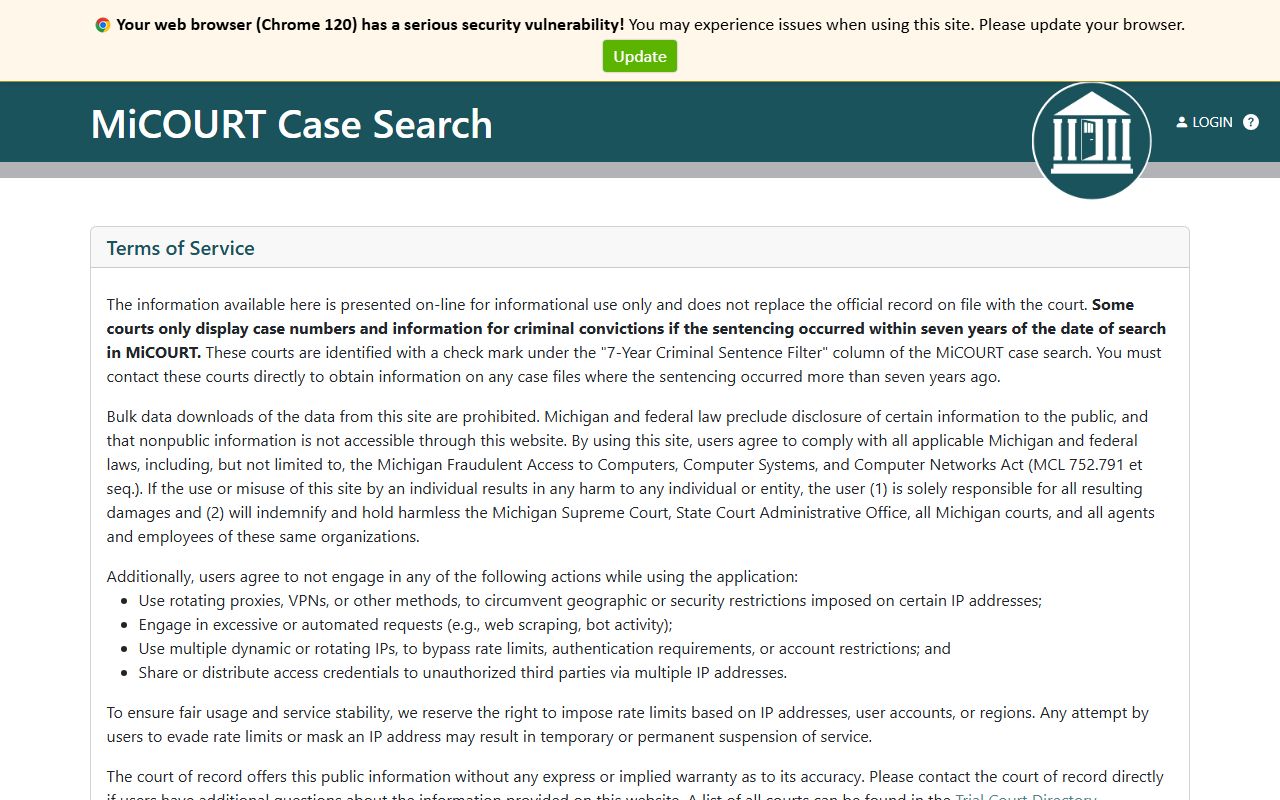
That path covers traffic and misdemeanor dockets that never reach the circuit level, which is where most day-to-day lookups land.
Ionia County Court Calendars and Hearing Schedules
Not every question needs a full docket. Someone confirming a court date often just wants the calendar. Ionia County links two public schedule pages that list upcoming hearings by day, separate from the case search itself. One covers the circuit court and one covers the district court.
The district schedule is the practical daily docket for traffic and misdemeanor settings, and it opens on the public 64-A District Court hearing schedule.
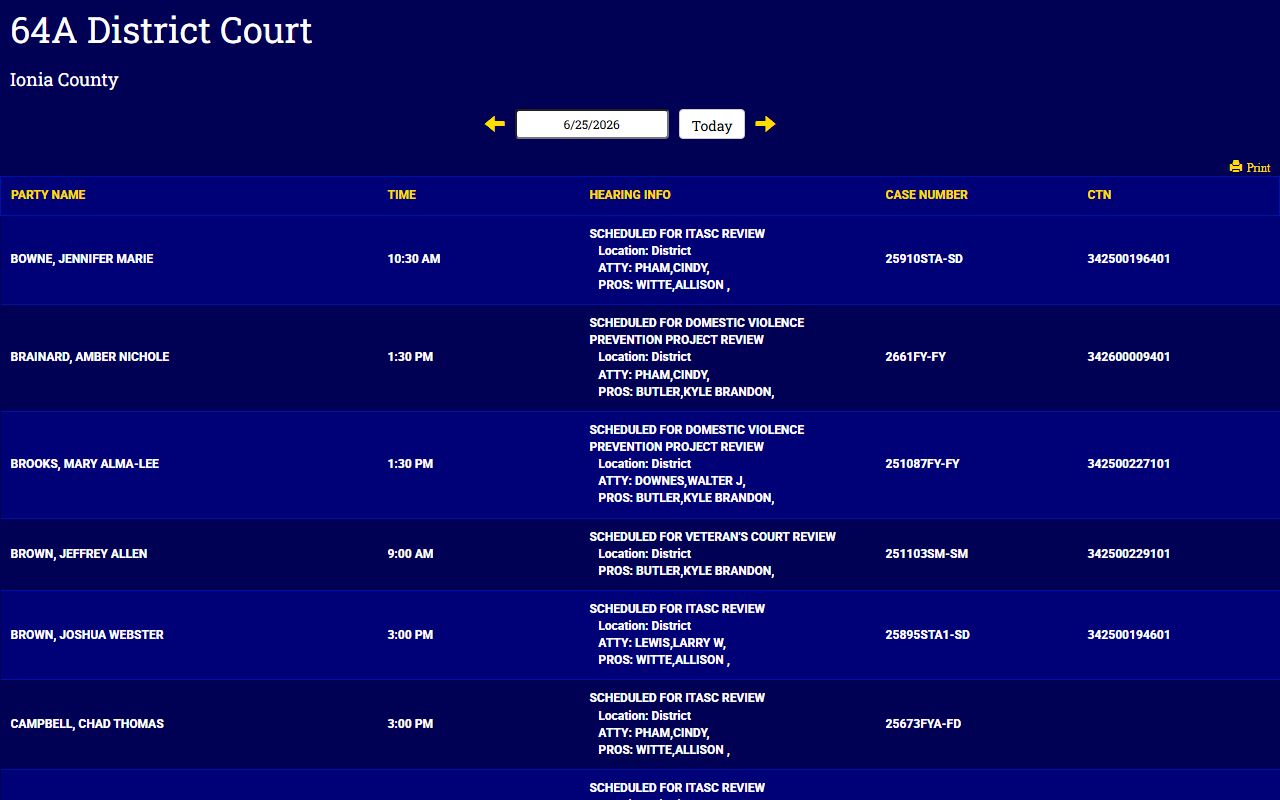
The schedule view lists cases set for the court's calendar so a visitor can find a time and courtroom without pulling the whole file. To confirm a hearing this way, a few steps get there quickly.
- Open the district hearing schedule or the matching circuit calendar page.
- Scan the day you need, or search the page for the party or case number.
- Read across for the courtroom, judge, and hearing time.
- Cross-check the case in MiCOURT if the calendar entry is unclear.
Note: calendar pages change as the court adds or moves settings, so verify a date close to the hearing rather than relying on an older view.
Docket vs. Full Case Record
A docket and a full case record are not the same thing. The docket is the index of what happened. The full record is the stack of documents behind those entries, including the motions, exhibits, and signed orders. The docket points to a filing; the case file contains it. Anyone needing the actual paperwork for the Ionia County court records behind a case has to go past the docket.
| Docket | Full Case Record | |
|---|---|---|
| Format | List of dated entries | Full documents and exhibits |
| Access | Public online through MiCOURT | May need a clerk request, fee, or visit |
| Use | Track hearings and case progress | Legal review, evidence, certified copies |
When the docket shows a felony has moved to circuit court, the full charge history and outcome sit in the Ionia County criminal court records rather than in the calendar entry. The docket tells a reader that something was filed; the clerk's file shows what it said.
Reading an Ionia County Docket
Docket language is compressed, and status codes carry a lot of weight. A case is usually marked open while it is active and disposed or closed once it ends. Michigan case data also uses statuses like deferred, adr, and mediation for matters routed to alternative resolution. Reading those codes correctly keeps a searcher from misjudging where a case stands.
Public visibility is its own layer. MiCOURT flags cases as public or suppressed, and suppressed matters may not surface in a general search even when the file exists. Juvenile, sealed, and certain confidential cases fall behind that barrier by rule. The safer read is that a record is unavailable in the public search, not that it never existed.
Result limits shape what a searcher sees. The public search returns a set number of results per query and starter-level access caps the count further, so a common name can return a partial list. When the docket alone is not enough, the county clerk's office can confirm a filing or point to the full record.
The field definitions behind these codes are spelled out in the MiCOURT developer documentation, which describes the case statuses, sort options, and expansions the search supports.
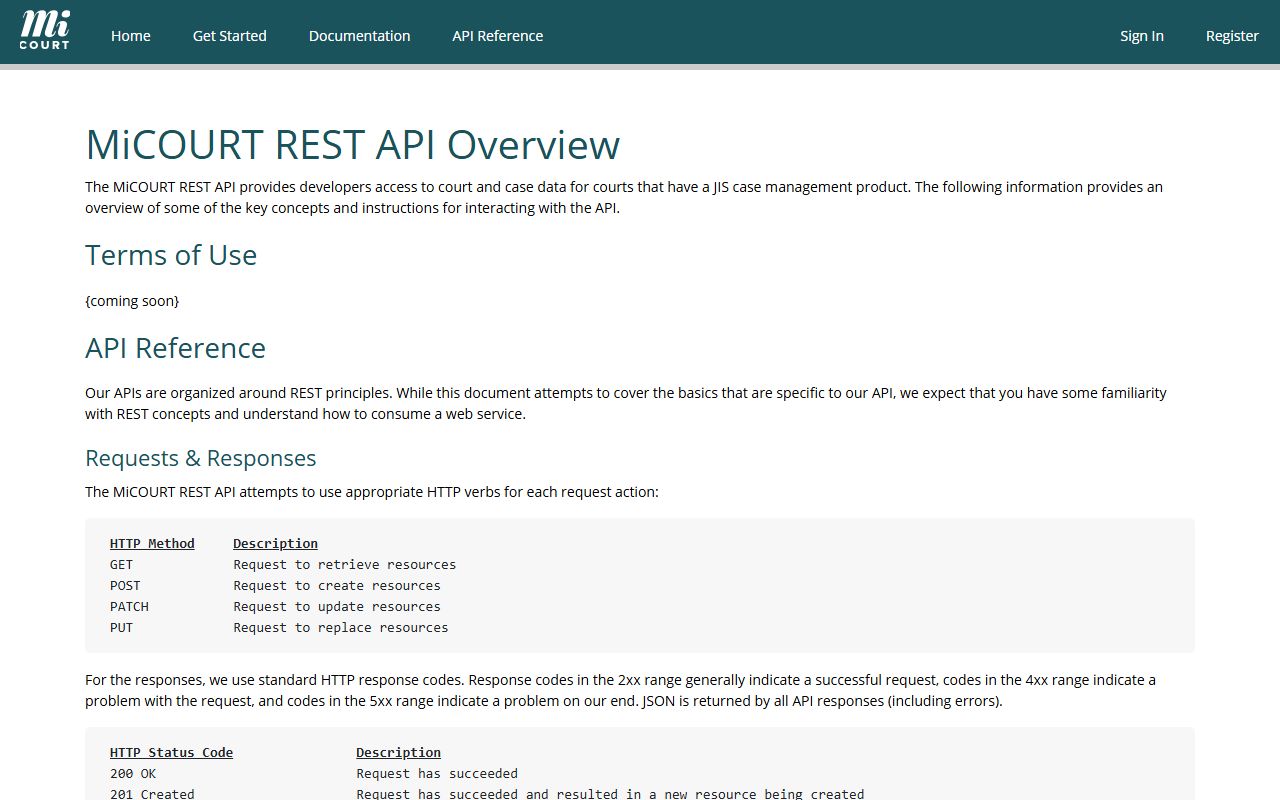
That documentation confirms the docket layer can be sorted by newest or oldest activity and expanded to show charges and hearings, which explains why two searches of the same case can look different. Note: the county clerk's office is the fallback when a docket is suppressed, incomplete, or missing the document a reader actually needs.